
Switching on/off manually
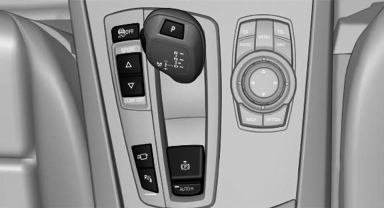
 Press the button.
- On: the LED lights up.
- Off: the LED goes out.
See also:
Reserve
After the reserve range is reached:
▷ A message is briefly displayed on the Control
Display.
▷ The remaining range is shown on the computer.
▷ When a dynamic driving style is us ...
Contacts
Note
If equipped with full mobile phone preparation
package.
At a glance
Contacts can be created and edited. The contacts
from the mobile phone are displayed as
well if this function is suppo ...
Starting destination guidance
1. "Navigation"
2. Enter the destination.
3. "Accept destination"
4. "Start guidance"
► The route is shown on the Control Display.
► The distance to the ...