
Switching on/off manually
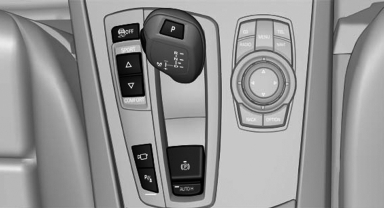
Switching on/off manually
 Press the
button.
Press the
button.
▷ On: the LED lights up.<> ▷ Off: the LED goes out.
See also:
Display
Display
1 Navigation instructions
2 Active Cruise Control with Stop & Go function
3 Lane departure warning
4 Cruise control/desired speed
5 Current speed
The Check Control messages are dis ...
Opening
▷ Press the switch to the
resistance
point.
The window opens while the switch is held.
▷ Press the switch beyond the
resistance
point.
The window opens automatically.
Pressin ...
Cameras
The objectives of the Top View cameras are located
at the bottom of the exterior mirror housings.
The image quality may be impaired by dirt.
Clean the lens ...