
Editing a contact
1. "My contacts"
2. Select the desired contact.
3. "Edit contact"
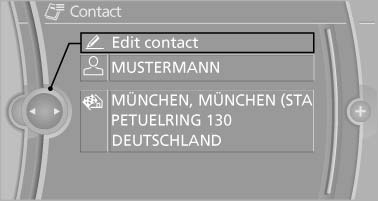
Edit contact
4. Change the entries.
5. Move the controller to the left.
6. "Yes"
See also:
Lashing eyes in the cargo area
Lashing eyes in the cargo area
To secure the cargo, there are four lashing eyes
in the cargo area ...
Technical data
Vehicle equipment
All standard, country-specific and optional
equipment that is offered in the model series is
described in this chapter. Therefore, equipment
is also described that is not avai ...
Hazard warning flashers
The button is located in the center console. ...