
Playback
1. Switch on the external device and start the playback.
2. Open the start menu with the remote control.
3. Select "AUX".
4.  Press the
button.
Press the
button.
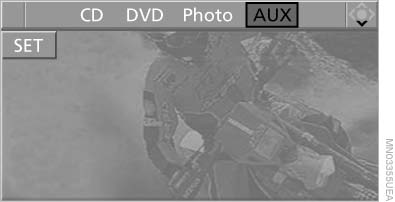
Playback
For devices without a video signal, for instance MP3 players, "No video signal" appears on the display. The sound is nevertheless played.
See also:
BMW maintenance system
BMW maintenance system
The maintenance system provides information
on required maintenance measures and thus
provides support in maintaining road safety and
the operational reliability of the ...
Service and WarrantyInformation Booklet for USmodels and Warranty andService Guide Booklet forCanadian models
Please consult your Service and Warranty Information
Booklet for US models and Warranty and
Service Guide Booklet for Canadian models for
additional information on service requirements.
Maintena ...
Controller
Select menu items and create settings.
1. Turn.
2. Press.
3. Move in four directions.
Buttons on controller
...