
Displaying overview
1. Select the subdirectory if necessary.
2. Select "Overview".
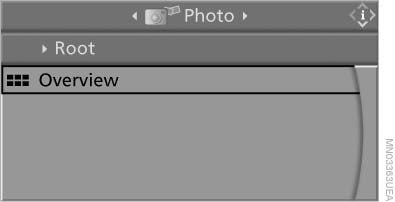
Select "Overview"
3.  Press the
button.
Press the
button.
It may take some time until the overview is completely displayed.
If a symbol appears instead of an image, the image cannot be displayed in the overview.
See also:
Coolant temperature
Should the coolant, and with it the engine, become
too hot, a Check Control message is displayed.
Check the coolant level. ...
Playing music
Music searchAll tracks for which additional information has been stored can be accessed by
the music search. Tracks without additional information can be called up via the
corresponding album.
1. ...
Using this Owner's Manual
The fastest way to find information on a particular
topic is by using the index.
An initial overview of the vehicle is provided in
the first chapter.
Updates made after the editorial
deadline
...