
Compressed video files
Playback
1. Select the directory if necessary.
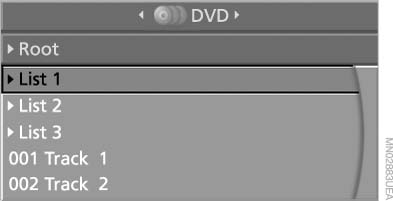
Compressed video files
2.  Press the
button.
Press the
button.
3. Select a track.
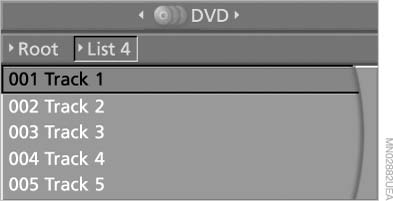
Select a track
4. Press the
button
5. Select "Play".
6. Press the button.
To change the directory:
1. Select the directory.
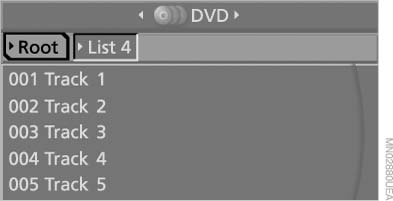
Select the directory
2. Press the
button
Playback functions
1. Select a track.
2. Press the
button.
3. Select a menu item:
▷ "Pause": stop and continue playback.
▷ "Repeat track": repeat the selected
track.
▷ "Repeat directory": repeat the tracks in
the current directory.
4. Press the button.
See also:
Calling Customer Relations
Vehicle not equipped with BMW Assist
or TeleService
1. "BMW Assist" or "ConnectedDrive"
2. "Customer Relations"
The Customer Relations phone number is displayed.
If ...
Operating from the outside
► Via the remote control.
► Via the driver's door lock.
► Via the door handles of the driver's and front
passenger doors.
► Via the button on the tailgate.
The following ...
Customer Relations
At a glance
Contact Customer Relations for information on
all aspects of your vehicle.
Calling Customer Relations
Vehicles not equipped with BMW
Assist or BMW TeleService
1. "ConnectedDri ...