
Bypassing a section of the route
Calculate a new route for a route section.
1. "Navigation"
2. "Route information"
3. "New route for"
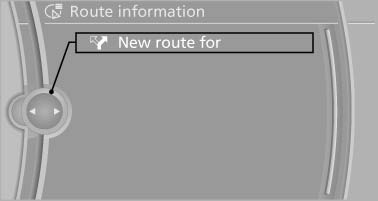
New route for
4. Turn the controller. Enter the number of kilometers within which you would like to return to the original route.
5. Press the controller.
See also:
Clean the windshield, headlamps
Pull the lever.
The system sprays washer fluid on the windshield
and activates the wipers briefly.
In addition, the headlamps are cleaned at regular
intervals when the vehicle lights are swi ...
Planning a trip with intermediate destinations
New trip
A trip can be planned with several intermediate
destinations.
1. "Navigation"
2. "Map"
3. Move the controller to the left if necessary.
4. "Guidance"
5. ...
Activating the assistance functions
More than one assistance function can be active
at the same time.
Showing the parking aid lines
"Parking aid lines"
Pathway and turning circle lines are displayed.
Showing the obstacl ...