
Switching on/off manually
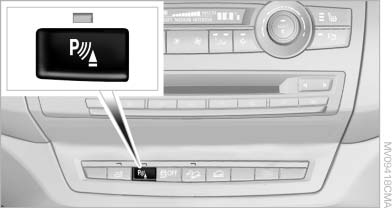
Switching on/off manually
Press the button.
▷ On: the LED lights up.
▷ Off: the LED goes out.
If PDC is displayed, switch on the backup camera via the iDrive
See also:
Storing music
General information
Music tracks from CDs/DVDs and USB devices
can be stored in the music collection on a hard
disc in the vehicle and played from there.
▷ Audio CD: tracks are converted i ...
Data transfer
During the updating of BMW services, display
the status of the data transfer.
1. "BMW Assist" or "ConnectedDrive"
2. "Options" Open.
3. "Data transfer" ...
Headlamp glass
Condensation can form on the inside of the external
lamps in cool or humid weather. When the
light is switched on, the condensation evaporates
after a short time. The headlamp glasses
do not n ...