
Menu navigation
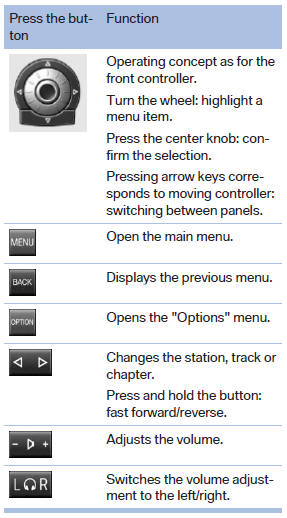
The transmission time of the remote control is limited by law. To execute a function again, press or turn the required button again.
See also:
Replacing the batteries
No rechargeable batteries
Do not use rechargeable batteries, as
damage may result from the substances in the
batteries.
1. Remove the cover. Press on the cover, arrow
1, and push forward, ...
Observe the following when
refueling
The fuel tank is full when the filler nozzle clicks
off the first time.
Handling fuels
Obey safety regulations posted at the gas
station.◀ ...
Thigh support
Pull the lever at the front of the seat and adjust
the thigh support. ...