
The concept
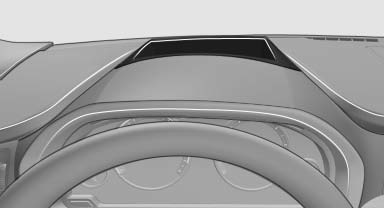
This system projects important information into the driver's field of vision, e.g., the speed.
In this way, the driver can get information without averting his or her eyes from the road.
See also:
Controls
Almost all functions can be operated in the same
manner as they are in the front. Special features
of operating the system in the rear are described
here. ...
Traffic Jump
Traffic and weather information for a selected region is broadcast every few
minutes.
Selecting a region1. "Radio"
2. "Satellite radio"
3. Open "Options ...
Instrument cluster
The indicator and warning lamps can light up in
a variety of combinations and colors.
Several of the lamps are checked for proper
functioning when the engine is started or the ignition
is swi ...