
Switching the warning function on/off
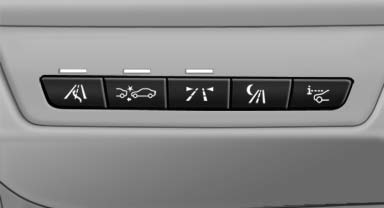
 Press the button
- On: the LED lights up.
- Off: the LED goes out.
The state is stored for the remote control currently in use.
See also:
Vehicle equipment
All standard, country-specific and optional
equipment that is offered in the model series is
described in this chapter. Therefore, equipment is also
described that is not available in a vehicle, ...
Switching the system on/off
Switching off
At the lowest fan speed, press
the left
side of the button on the driver's side.
Switching on
Press any button. ...
Setting
Pull the switch.
The LED lights up.
The indicator lamp lights up in
red. The
parking brake is set.
Lower lamp: indicator lamp in
Canadian
models
Set the parking brake and further secur ...