
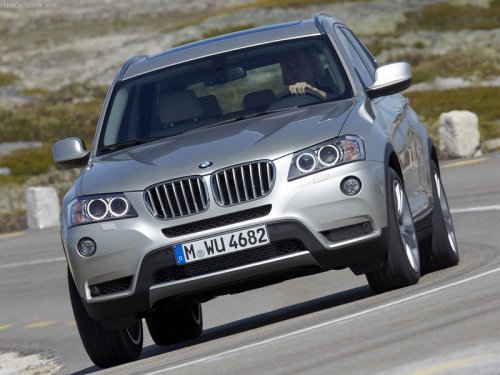
BMW X3
BMW X3
See also:
Children should always be in the rear
Accident research shows that the safest place
for children is in the back seat.
Transporting children in the rear
Only transport children younger than
13 years of age or shorter than 5 ft/1 ...
Saying the entries
▷ The town/city, street, and house number
can be entered as a single command.
▷ Spell the entry if the spoken language and
the language of the system differ.
▷ Say the letters ...
Steering wheel
General information
Do not adjust while driving
Do not adjust the steering wheel while
driving; otherwise, an unexpected movement
could result in an accident.
Adjusting
The steering wheel ...