
Head-up Display
The concept
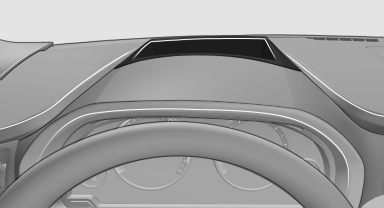
This system projects important information into the driver's field of vision, e.g., the speed.
In this way, the driver can get information without averting his or her eyes from the road.
See also:
All around the headliner
All around the headliner
1
Emergency Request
2
Glass sunroof
3
Indicator lamp, front passenger airbag
4
Reading lamps
5
Interior lamps ...
The concept
The iDrive combines the functions of a multitude
of switches. Thus, these functions can be operated
from a central location.
Using the iDrive during a trip
To avoid becoming distracted and posi ...
Tire damage
General information
Inspect your tires often for damage, foreign objects
lodged in the tread, and tread wear.
Notes
Driving over rough or damaged road surfaces, as
well as debris, curbs and oth ...