
Switching on/off
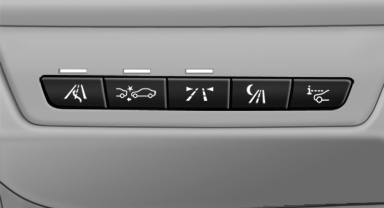
 Press the button.
See also:
Terminating destination
guidance
1. "Navigation"
2. "Map"
3. "Guidance"
4. "Stop guidance" ...
Indication in the info display
The information from the computer
is shown in the Info display
in the instrument cluster. ...
Configuring the warning time
After the warning function is switched on, the
warning time can be set via the iDrive. For a late
warning time, prewarning is deactivated.
These settings have no effect on the time of the
warni ...