
Bypassing a section of the route
Calculate a new route for a route section.
1. "Navigation".
2. "Route information".
3. "New route for"
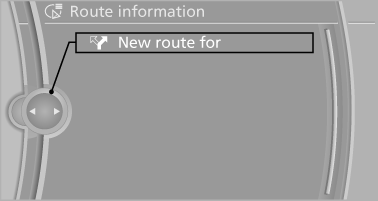
4. Turn the controller. Enter the number of miles within which you would like to return to the original route.
5. Press the controller.
See also:
Concierge service
General information
The BMW Assist Concierge service offers information
on events, gas stations or hotels, and
provides phone numbers and addresses. Hotels
can be booked directly by the BMW Ass ...
Manual release
The parking brake can be released manually in
the event of a power failure or electrical fault.
Before releasing, secure the vehicle
against rolling
Before releasing the parking brake manually, ...
Navigation system
This chapter contains various examples of how
the navigation system can guide you reliably to
your destination. ...