
Switching the warning function on/off
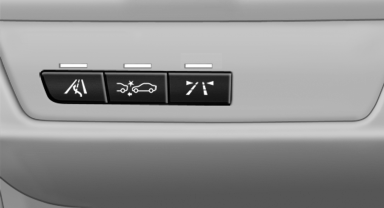
Switching the warning function on/off
 Press the button
▷ On: the LED lights up.
▷ Off: the LED goes out.
The state is stored for the remote control currently in use.
See also:
Check the tire inflationpressure regularly
Check and, if necessary, correct the tire inflation
pressure at least twice a month and before starting
on a long trip.
Low tire inflation pressure increases rolling resistance
and thus raises f ...
Volume
"Speed volume": speed-dependent volume
control.
"PDC": volume of the PDC signal* compared
to the entertainment sound output.
"Gong": volume of the signal, su ...
Switching the system on/off
Switching off
At the lowest fan speed, press
the left
side of the button on the driver's side.
Switching on
Press any button. ...