
Display
Instrument cluster
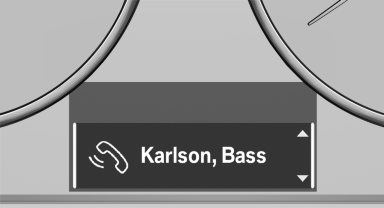
Instrument cluster
Instrument cluster with enhanced features
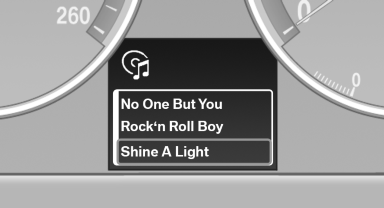
Instrument cluster with enhanced features
See also:
Tilt alarm sensor
The tilt of the vehicle is monitored.
The alarm system responds in situations such
as attempts to steal a wheel or tow the car. ...
Storing music
General information
Music tracks from CDs/DVDs and USB devices
can be stored in the music collection on a hard
disc in the vehicle and played from there.
► Audio CD: tracks are converted i ...
Controls
Controls
1 Display screen
2 Infrared interface for headphones
3 CD/DVD player
4 Headphone connection: jack plug
5 12 V sockets ...