
Enabling DVD system
The DVD system can be enabled via iDrive.
1. "Settings"
2. "Allow rear control"
3. "Rear DVD system active"
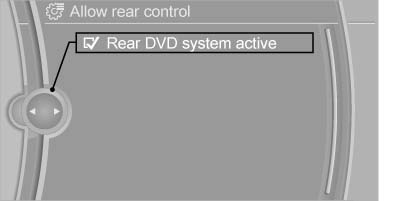
Rear DVD system active
See also:
General information
Danger of burns from hot engine
Do not open the cooling system while the
engine is hot; otherwise, escaping coolant may
cause burns.
Suitable additives
Only use suitable additives; otherwise, ...
Adaptive Drive
The concept
Adaptive Drive* includes the following systems:
Dynamic Drive
Dynamic Damping Control
The system increases driving stability and driving
comfort. ...
Note
Manufacturer's information for LATCH
child restraint fixing systems
To mount and use the LATCH child restraint fixing
systems, observe the operating and safety
information from the system manu ...