
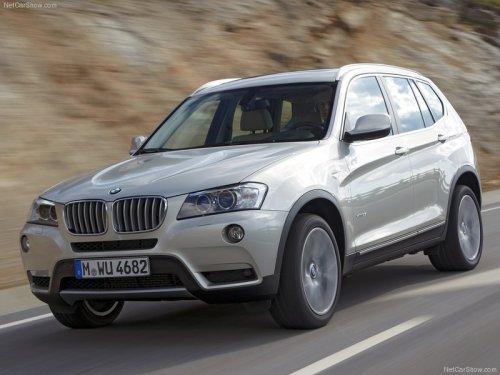
BMW X3
BMW X3
See also:
Rear view: striking indications of dynamic and secure roadholding.
From the rear, the new BMW 6-Series Coupe exudes power, athleticism and
solidity. Bulging wheel arches accentuate the wide track of the new car,
offering a hint of its impressive roadholding. Adde ...
Vehicle equipment
All standard, country-specific and optional
equipment that is offered in the model series is
described in this chapter. Therefore, equipment
is also described that is not available in a vehicle, ...
Fuel quality
Fuels that are marked on the gas pump as containing
metal must not be used.
Refuel only with unleaded gasoline without
metallic additives.
Do not refuel with any leaded gasoline or gasoline
with ...