
The concept
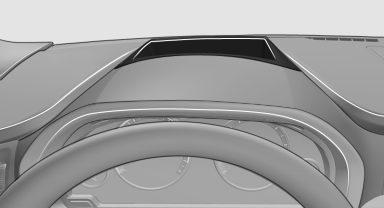
This system projects important information into the driver's field of vision, e.g., the speed.
In this way, the driver can get information without averting his or her eyes from the road.
See also:
2011 BMW X3 Review by Mike Hanley
The BMW X3 may have been a pioneer among compact luxury crossovers, but a
number of competitors — including the Audi Q5, Mercedes-Benz GLK-Class and Volvo
XC60 — have entered the fray since its de ...
Connecting electrical devices
Sockets
The lighter socket can be used as a socket for
electrical equipment while the engine is running
or when the ignition is switched on. The total load of all sockets must not
exceed 140 Wa ...
Switching off automatically
The system switches off and the LED goes out:
▷ After approx. 33 ft/10 m when driving forward.
▷ After approx. 9 mph/15 km/h when driving
forward.
Switch on the system again if necess ...