
Malfunction
A Check Control message is displayed.
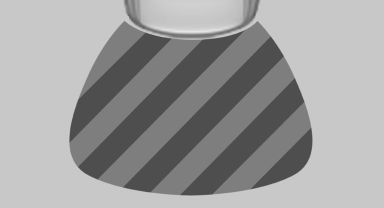
On the Control Display, the areas in front of and behind the vehicle are shaded. PDC has failed.
Have the system checked.
To ensure full operability:
▷ Keep the sensors clean and free of ice.
▷ When using high-pressure washers, do not spray the sensors for long periods and maintain a distance of at least 12 in/30 cm.
See also:
BMW TeleServices
General informationTeleServices supports communication with your BMW center.
> Data on the vehicle's service requirements can be sent directly to the BMW
center. In this way, the BMW center ...
On the front passenger seat
Deactivating airbags
After installing a child restraint fixing system in
the front passenger seat, make sure that the
front, knee and side airbags on the front passenger
side are deactivated.
...
Planning a trip with intermediatedestinations
New trip
1. "Navigation"
2. "Map"
3. Move the controller to the left if necessary.
4. "Guidance"
5. "Enter new destination"
6. Select the type of destina ...