
Switching on/off manually
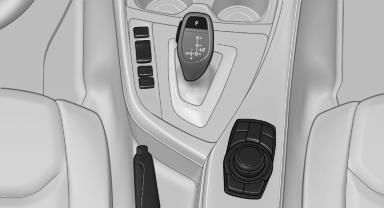
Switching on/off manually
 Press the button.
▷ On: the LED lights up.
▷ Off: the LED goes out.
See also:
Additional functions
General information
Activate the functions before pairing to be able
to use them in the vehicle. Information on suitable
mobile phones, that support
these functions.
Additional telephone
A mo ...
Snap-in adapter
Installation position
In the center armrest.
Inserting the snap-in adapter
1. Press the button and remove the cover.
2. Insert the snap-in adapter at the front, arrow
1, and press down, arro ...
Voice operation
Vehicles equipped with the voice activation system:
operation.
Vehicles not equipped with the voice activation
system: depending on the equipment, the mobile
phone can be voice operated as desc ...