
Switching the warning function on/off
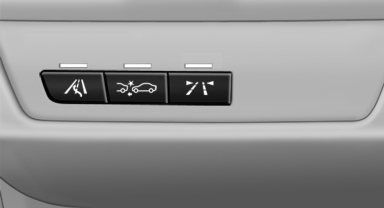
Switching the warning function on/off
 Press the button
▷ On: the LED lights up.
▷ Off: the LED goes out.
The state is stored for the remote control currently in use.
See also:
On the front passenger seat
Deactivating airbags
After installing a child restraint fixing system in
the front passenger seat, make sure that the
front, knee and side airbags on the front passenger
side are deactivated.
...
BMW Search
At a glance
A business search can be opened via BMW
Search.
License conditions
This product contains NetFront Browser software
of ACCESS Co., Ltd. Copyright © 2007
ACCESS Co., Ltd. All rights ...
Overview, instrument cluster
1. Miles/trip miles
External temperature
Time
Date
Range
Selection list, e.g., radio
Navigation display
Computer
2. Transmission display
Current fuel consumption
Energy recovery
3. ...