
Opening the main menu
 Press the button.
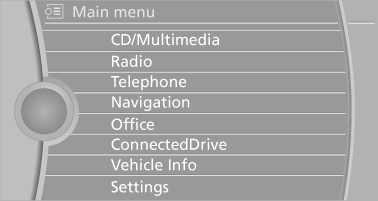
The main menu is displayed.
All iDrive functions can be called up via the main menu.
See also:
Manual destination entry
General information
The system supports you in entering street
names and house numbers by automatically
completing the entry and providing entry comparisons.
Stored town/city and street names ca ...
The concept
► Most functions that are displayed on the
Control Display can be operated by spoken
commands via the voice activation system.
The system prompts you to make your entries.
► Function ...
Side airbags
In a lateral impact, the side airbag supports the
side of the body in the chest and lap area. ...