
Displays
| Symbol | Function |
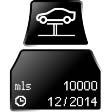 |
Service requirements |
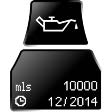 |
Engine oil |
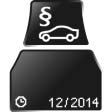 |
Roadworthiness test |
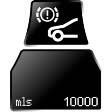 |
Front brake pads |
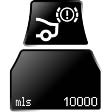 |
Rear brake pads |
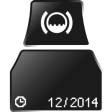 |
Brake fluid |
The sequence of displayed service items may vary. First the data for the next maintenance are displayed.
Detailed information on service requirements
More information on the scope of service required can be displayed on the Control Display.
1. "Vehicle Info"
2. "Vehicle status"
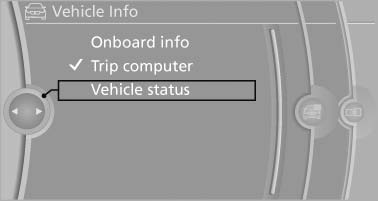
Vehicle status
3.  "Service
required"
"Service
required"
Required maintenance procedures and legally mandated inspections are displayed.
Additional information can be displayed on each entry:
Select the entry and press the controller.
To exit from the menu:
Move the controller to the left.
Symbols
| Symbols | Description |
 |
No service is currently required. |
 |
The deadline for service or a legally mandated inspection is approaching. Please make a service appointment. |
 |
The service deadline has already passed. |
See also:
Ventilation in rear
Ventilation in rear
1 Use the thumbwheels to smoothly open and
close the air vents
2 Use the lever to change the direction of the
air flow ...
Special windshield
The windshield is part of the system.
The shape of the windshield makes it possible
to display a precise image.
A film in the windshield prevents double images
from being displayed.
Therefore, ...
Setting compass zones
Set the compass zone corresponding to the vehicle's
geographic location so that the compass
Setting compass zones
Press the adjustment button for 3‑4 seconds.
The number of the compass zo ...