
Setting the voice dialog
You can set whether the system should use the standard dialog or a shorter version.
In the shorter variant of the voice dialog, the announcements from the system are issued in an abbreviated form.
On the Control Display:
1. "Settings"
2. "Language/Units"
3. "Speech mode:"
4. Select the setting.
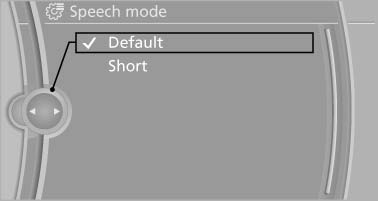
On the Control Display
See also:
Lumbar support
The curvature of the seat backrest can be adjusted
in such a way that it supports the lumbar
region of the spine. The lower back and the
spine are supported for upright posture.
Press the ...
CD/Multimedia
CD/DVD drive
Music collection
External devices
Tone
...
Interior
Up to five occupants have ample space in the 760i sedan, and passengers in
the backseat of the extended-length 760Li enjoy even more legroom. An Active
Support massage feature is included in the d ...