
Changing settings
1. Select a field.
2. Turn the controller until the desired setting is displayed.
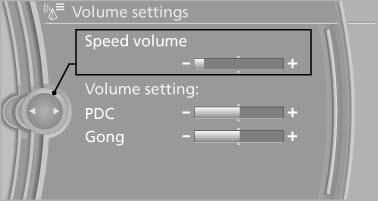
Turn the controller until the desired setting
is displayed
3. Press the controller.
See also:
Displaying messages
1. "Office".
2. "Messages"
A symbol identifies the type of message.
...
BMW X3 iDrive Owners Manual
h1 {color: red;}
h2 {color: green;}
h3 {color: blue;}
h4 {color: #FF00FF;}
...
Breaking-in period
General information
Moving parts need to be broken in to adjust to
each other.
The following instructions will help achieve a
long vehicle life and good economy.
Engine and differential
Always ...