
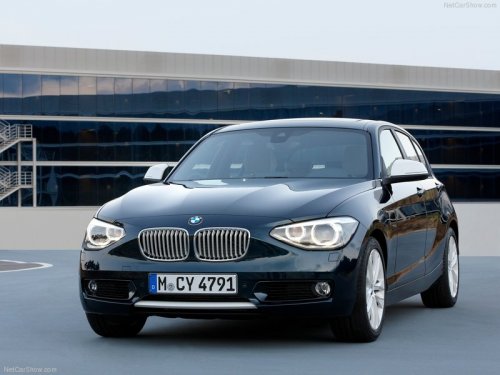
BMW 1 Series
BMW 1 Series
See also:
Changing between panels
After a menu item is selected, e.g., "Radio", a
new panel is displayed. Panels can overlap.
► Move the controller to the left.
The current panel is closed and the previous
panel ...
Time
The time is displayed at the bottom
of the instrument cluster.
Setting the time and time format. ...
Status display
The current status of the Tire Pressure Monitor
TPM can be displayed on the Control Display,
e.g., whether or not the TPM is active.
1. "Vehicle Info"
2. "Vehicle status"
3. ...