
Switching on
Using the button
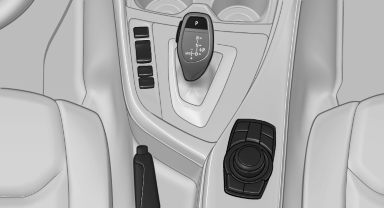
Using the button
 Press the button.
The LED lights up.
The current status of the parking space search is indicated on the Control Display.
 Parking assistant is activated
automatically.
Parking assistant is activated
automatically.
By engaging reverse
The current status of the parking space search is indicated on the Control Display.
Activate:  "Parking Assistant"
Select the
symbol in the Control Display.
"Parking Assistant"
Select the
symbol in the Control Display.
See also:
Tires
Due to technical factors associated with their
manufacture, tires do not achieve their full traction
potential until after an initial breaking-in period.
Drive conservatively for the first 200 mi ...
SAFETY
The 2012 X5 received four out of five stars in rollover crash tests by the
National Highway Traffic Safety Administration. It hasn't undergone any of
NHTSA's other crash tests, and it hasn't been ...
Data transfer
During the updating of BMW services, display
the status of the data transfer.
1. "BMW Assist" or "ConnectedDrive"
2. "Options" Open.
3. "Data transfer" ...