
Automatic Service Request
The TeleService data necessary for servicing the vehicle are automatically sent to your service partner prior to the service deadline. If possible, the service partner will contact you and a service appointment can be arranged.
To check when your service partner was notified:
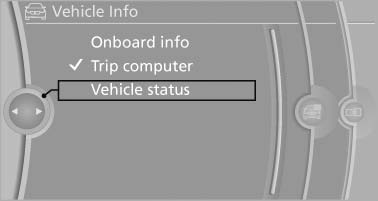
1. "Vehicle Info"
2. "Vehicle status"
Automatic Service Request
3. Open "Options".
4. "Last Service Request"
See also:
xDrive
xDrive is the all-wheel-drive system of your vehicle.
Concerted action by the xDrive and DSC
further optimize traction and driving dynamics.
The xDrive all-wheel-drive system variably distribut ...
Unpairing a device
1. "Telephone"
2. "Bluetooth® (phone)"
3. Highlight the device that is to be unpaired.
4. Open "Options".
5. "Remove phone from list" ...
Warning triangle
The warning triangle is located in the container
on the inside of the trunk lid.
Unscrew the wing nut to open. ...