
Storing a channel
1. "Radio"
2. "Satellite radio"
3. If necessary, open "All channels" or the desired category.
4. Select the desired channel.
5. Press the controller again.
6. Press the controller again to confirm the highlighted channel.
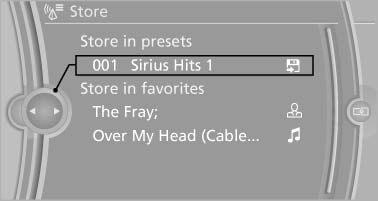
Press the controller again to confirm the
highlighted channel
7. Select the desired memory location.
The channels are stored for the remote control currently in use.
The channels can also be stored on the programmable memory buttons
See also:
Side View
The concept
Side View provides an early look at cross traffic
at blind driveways and intersections. Road users
concealed by obstacles to the left and right of
the vehicle can only be detected r ...
Display
Information stage
The dimmed lamp in the mirror housing indicates
when there are vehicles in the blind spot
or approaching from behind.
Warning
If the turn signal is set while a vehicle is in ...
Preparing and loading the ski bag
1. Fold open the center arm rest and the lid on
the inside.
2. Open the inside cover and cargo area by
pressing the button.
3. Lay out the ski bag.
4. Load the ski bag. If necessary, wrap the ...