
Opening
Front
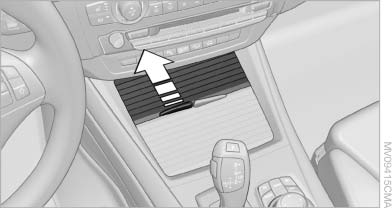
Front
To open the cover, slide it forward
Rear
BMW X6
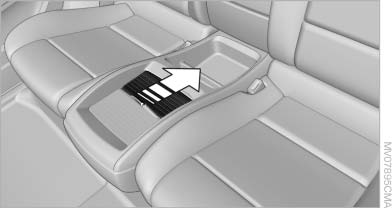
BMW X6
Slide the cover back.
Emptying
Take out the insert.
See also:
BMW X5 with BMW Advanced Diesel:
required fuel
Ultra-Low Sulfur Diesel
The engine of your BMW is designed for diesel
with a low sulfur content:
Ultra-low sulfur diesel ASTM D 975-07a.
Only refuel with ultra-low sulfur diesel.
The percentag ...
Selecting the destination
1. "Navigation"
2. "Map"
The current position of the vehicle is displayed
on the map.
3. "Interactive
map"
Interactive map
4. Select the destination with cros ...
Easy entry/exit
To facilitate entry and exit, the steering wheel
temporarily moves into the uppermost position ...