
Switching on/off manually
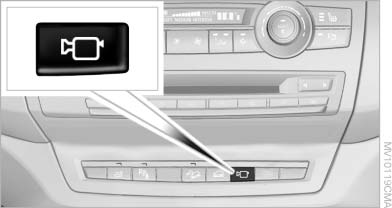
Switching on/off manually
Press the button.
See also:
Storing favorites
Up to 30 favorites can be stored in the favorites list. Available favorites are
artist, track, game, league and team.
Storing the artist, track or gameIt is only possible to store favorites that ar ...
Engine oil temperature
► Cold engine: the pointer is
at
the low temperature end.
Drive at moderate engine and
vehicle speeds.
► Normal operating temperature:
the pointer is in the middle
or in the ...
Parking lamps/low beams,
headlamp control
General information
If the driver door is opened with the ignition
switched off, the exterior lighting is automatically
switched off at the following switch settings:
0, ,
Parking lamps
Swit ...