
Switching on/off manually
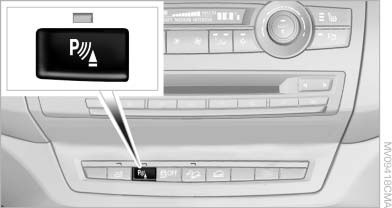
Switching on/off manually
Press the button.
▷ On: the LED lights up.
▷ Off: the LED goes out.
If Top View is displayed, switch on the backup camera via the iDrive
See also:
General information
The iDrive functions can be stored on the programmable
memory buttons and called up directly,
e.g., radio stations, navigation destinations,
phone numbers and entry points into the
menu.
The ...
Vehicle equipment
All standard, country-specific and optional
equipment that is offered in the model series is
described in this chapter. Therefore, equipment
is also described that is not available in a vehicle,
e ...
System limits
Changes to the parking space
Changes to the parking space after it was
measured are not taken into account by the system.
Therefore, always be alert and ready to intervene;
otherwise, there is ...