
Switching on/off manually
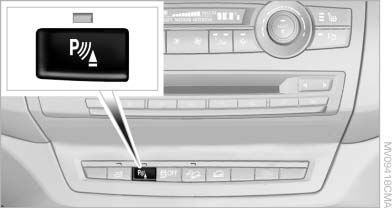
Switching on/off manually
Press the button.
▷ On: the LED lights up.
▷ Off: the LED goes out.
See also:
One lever for all functions
One lever for all functions
1 Storing and increasing the desired
speed
2 Storing and red
3 Interrupting or deactivating the
system
4 Retrieving the stored desired speed and distance or driv ...
Radio
When the same radio source is selected in the
front and rear (e.g., FM/AM), the same radio station
is played.
Operation is the same as for the front radio. ...
General information
Antifreeze for washer fluid
Antifreeze is flammable. Therefore, keep
it away from sources of ignition.
Only keep it in the closed original container and
inaccessible to children.
Follow the i ...