
Deactivating/activating DTC Dynamic Traction Control
Activating the Dynamic Traction Control DTC provides maximum traction on loose ground.
Driving stability is limited during acceleration and when driving in bends.
Activating DTC
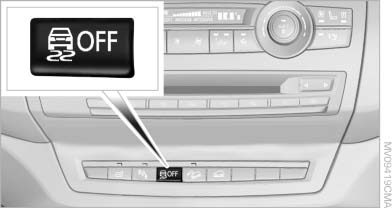
Activating DTC
Press the button.
TRACTION is displayed in the instrument cluster and the indicator lamp for DSC OFF lights up.
See also:
Message from the Concierge service
Starting destination guidance
1. Select the desired message.
2.
"Start guidance" or "Add as another
destination"
3. Start destination guidance, if necessary.
Dialing ...
Headlamps
▷ Do not rub dry and do not use abrasive or
caustic cleansers.
▷ Soak areas that have been soiled e.g. due to
insects, with shampoo and wash off with
water.
▷ Thaw ice with d ...
In cargo area
Open the right-hand side panel in the cargo
area. ...