
Activation/deactivation
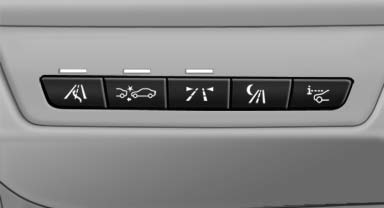
 Press the button.
See also:
Tachometer
Always avoid engine speeds in
the red warning field. In this
range, the fuel supply is interrupted
to protect the engine. ...
Adaptive Drive
The concept
Adaptive Drive* includes the following systems:
Dynamic Drive
Dynamic Damping Control
The system increases driving stability and driving
comfort. ...
Comfort position
In the comfort position, the roof is not fully open.
This reduces wind noise in the passenger compartment.
Each time the glass sunroof is opened or closed
all the way, it stops in the comfort posi ...