
Switching on/off manually
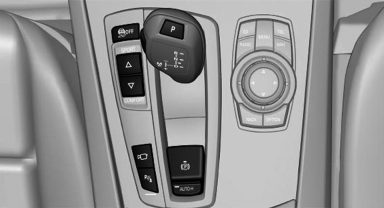
 Press the button.
- On: the LED lights up.
- Off: the LED goes out.
See also:
Requirements
Via the Control Display, set a language that is
also supported by the voice activation system
so that the spoken commands can be identified.
Set the language. ...
Contrasting light surfaces imbue the rear with brio and energy
The strong horizontal lines of the rear - including rear lights in customary
BMW L-shaped design positioned at the outer edges of the back end - accentuate
the broad face of the wheels and wide tr ...
Video playback
Country codes
Only DVDs with the code of the home region can
be played back; also refer to the information on
the DVD.
Playback
The video image is displayed on the front Control
Display up to ...