
Driver's door controls
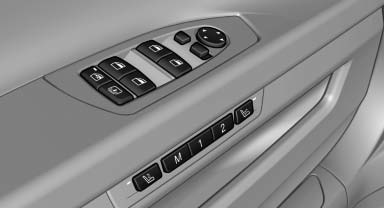
Roller blind for rear window
 Press the button.
Extending or retracting the roller blinds together
 Press and hold the button.
See also:
Camera
Camera
The camera is located near the base of the mirror.
Keep windshield clean and clear in the area in
front of the interior rear view mirror. ...
CD/multimedia
Vehicle equipment
All standard, country-specific and optional
equipment that is offered in the model series is
described in this chapter. Therefore, equipment
is also described that is not avai ...
Performance
For 2009, there's just one engine: a 3.0-liter six-cylinder that's good for
260 horsepower. It teams with either a six-speed manual or a six-speed automatic
transmission. All X3s have all-wheel dr ...