
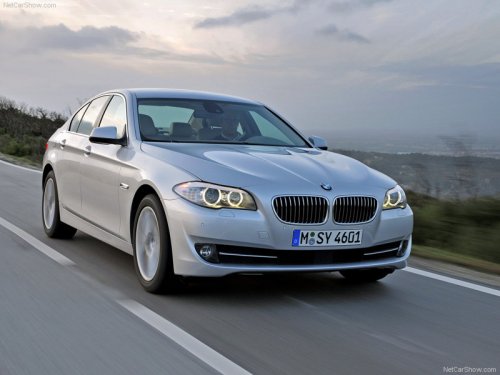
BMW 5 Series
BMW 5 Series
See also:
Switching on/off manually
Switching on/off manually
Press the button.
▷ On: the LED lights up.
▷ Off: the LED goes out. ...
Traffic Jump
Traffic and weather information for a selected region is broadcast every few
minutes.
Selecting a region1. "Radio"
2. "Satellite radio"
3. Open "Options ...
General information
Lamps and bulbs make an essential contribution
to vehicle safety.
The manufacturer of your vehicle recommends
that you entrust corresponding procedures to
your service center if you are unfamil ...