
Services status
Displaying available services
Display of all services available in the vehicle.
1. "BMW Assist" or "ConnectedDrive"
2. "Service Status"
3. "Available services"
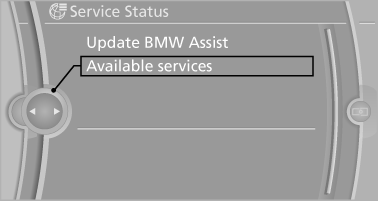
Updating BMW Assist
Manual update of TeleService and BMW Assist.
"Update BMW Assist"
See also:
New contact
General information
A contact can have up to 8 phone numbers,
2 addresses, 3 e-mail addresses and one Internet
address.
1. "Office"
2. "Contacts"
3. "Options" Ope ...
General information
Lamps and bulbs make an essential contribution
to vehicle safety.
The manufacturer of the vehicle recommends
that you entrust corresponding procedures to
the service center if you are unfamiliar ...
Text messages
Text messages in combination with a symbol in
the instrument cluster explain a Check Control
message and the meaning of the indicator and
warning lamps. ...