
Office information
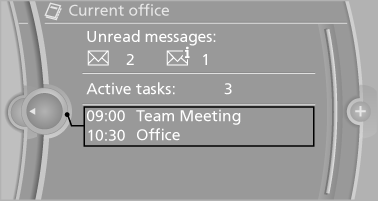
The number of unread messages and active tasks as well as the upcoming appointments are displayed.
1. "Office"
2. "Current office"
3. Select the desired entry to display details.
See also:
Navigation bar overview
The functions of the navigation bar symbols can
also be stored on the programmable memory
buttons ...
Windshield washer nozzles
The washer jets are automatically heated whenever
the ignition is switched on. ...
Pinch protection system
If the closing force when closing the glass sunroof
exceeds a certain value, the closing movement
is stopped, beginning at approximately the
middle of the opening in the roof, or from the
tilted p ...