
Switching on/off
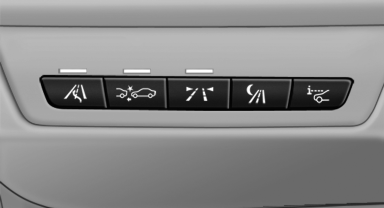
 Press the button.
▷ On: the LED lights up.
▷ Off: the LED goes out.
The system can issue warnings at speeds above approx. 30 mph/50 km/h.
The state is stored for the remote control currently in use.
See also:
Activating/deactivating the system
manually
Using the button
Press the button.
▷ LED comes on: Auto Start Stop function is
deactivated.
The engine is started during an automatic
engine stop.
The engine can only be stopped or st ...
At a glance
The destinations previously entered are stored
automatically.
These destinations can be called up and used
as a destination for destination guidance. ...
Ventilation in rear, center
Thumbwheels* for adjusting the temperature,
arrows 1.
Toward blue: colder.
Toward red: warmer.
Lever for changing the air flow direction, arrow
2.
Thumbwheels for opening and closin ...