
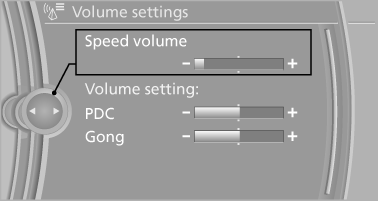
Changing settings
1. Select a field.
2. Turn the controller until the desired setting is displayed.
Changing settings
3. Press the controller.
See also:
The concept
Personal Profile concept
You can set several of your vehicle's functions
to suit your personal needs and preferences.
► The settings are automatically saved in the
profile currently activa ...
Odometer, outside temperature display, clock
1. Knob in the instrument cluster
2. Outside temperature and clock
3. Odometer and trip odometer
Knob in the instrument cluster> To reset the trip odometer while the ignition ...
Indicator/warning lamps
Indicator/warning lamps
The indicator and warning lamps can light up in
a variety of combinations and colors.
Several of the lamps are checked for proper
functioning and light up temporarily w ...