
Switching on/off
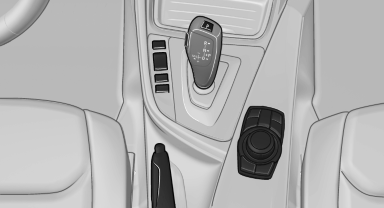
Switching on/off
 Press the button.
See also:
Rear window defroster
Press the button.
The rear window defroster switches off
automatically after a certain period of time.
Depending on the vehicle equipment, upper
wires are used as an antenna and are not part of ...
Switching on
The cooler can be operated at two levels.
1. Switch on the ignition.
2. Press the button once for
each cooling
level.
The highest cooling power is active when
two LEDs are lit.
If the coole ...
Leather care
Remove dust from the leather often, using a
cloth or vacuum cleaner.
Otherwise, particles of dust and road grime
chafe in pores and folds, and lead to increased
wear and premature degradation o ...