
Activating HDC
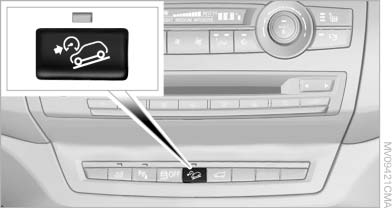
Activating HDC
Press the button; the LED above the button lights up.
The LED flashes when the brakes are applied automatically.
See also:
Data transfer
During the updating of BMW services, display
the status of the data transfer.
1. "BMW Assist" or "ConnectedDrive"
2. "Options" Open.
3. "Data transfer" ...
Navigation
General information
Map
Split screen settings
Destination guidance with intermediate destinations
...
Communications
This chapter describes how to use the telephone, BMW Assist and BMW TeleServices. ...