
Controller without navigation system
Select menu items and create settings.
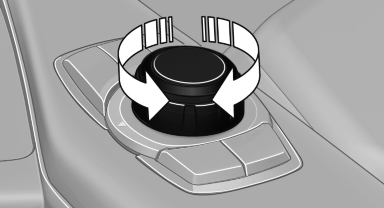
1. Turn.
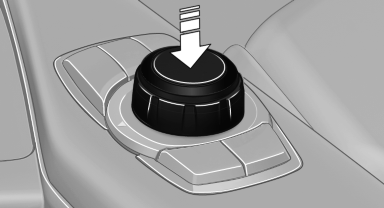
2. Press.
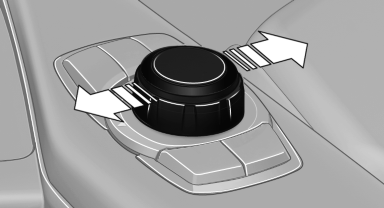
3. Move in two directions.
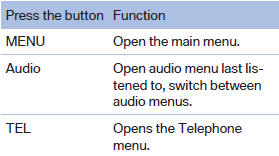
Buttons on controller
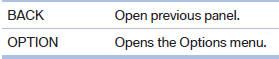
See also:
General information
Enclosed areas
Do not let the engine run in enclosed
areas; otherwise, breathing of exhaust fumes
may lead to loss of consciousness and death.
The exhaust gases contain carbon monoxide, an ...
New for 2011
A new eight-speed automatic transmission is standard on the 2011 models and
replaces a six-speed automatic. The xDrive35i has BMW's new single-turbo
3.0-liter inline six-cylinder (replacing a twin ...
Changing wheels and tires
Mounting
Information on mounting tires
Have mounting and balancing performed
only by a service center or tire specialist.
If this work is not carried out properly, there is
the danger of subsequ ...