
Compressed video files
Playback
1. Select the directory if necessary.
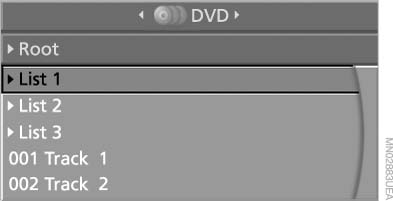
Compressed video files
2.  Press the
button.
Press the
button.
3. Select a track.
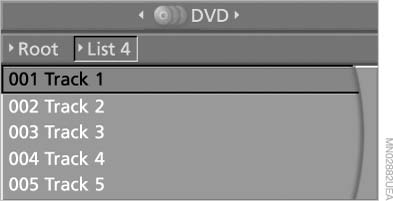
Select a track
4. Press the
button
5. Select "Play".
6. Press the button.
To change the directory:
1. Select the directory.
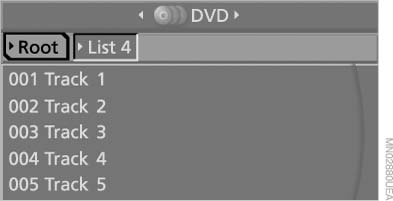
Select the directory
2. Press the
button
Playback functions
1. Select a track.
2. Press the
button.
3. Select a menu item:
▷ "Pause": stop and continue playback.
▷ "Repeat track": repeat the selected
track.
▷ "Repeat directory": repeat the tracks in
the current directory.
4. Press the button.
See also:
Navigation
This chapter contains various examples of how
the navigation system can guide you reliably to
your destination. ...
Switching spoken instructions on/off
The setting is stored for the remote control currently
in use.
1. "Navigation"
2. "Map"
3. "Voice
instructions" ...
Engine oil temperature
Cold engine: the pointer is at
the low temperature end.
Drive at moderate engine and
vehicle speeds.
Normal operating temperature:
the pointer is in the middle
or in the left hal ...