
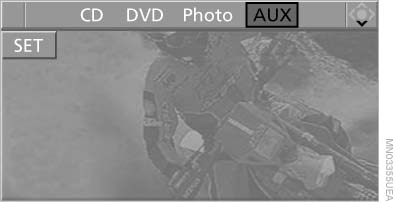
Playing CD/DVD
Use the following menu items to access data from a CD/DVD:
▷ Video data via "DVD"
▷ Audio data via "CD"
▷ Images "Photo"
Playing CD/
See also:
Following the initial pairing
▷ The mobile phone is detected/connected in
the vehicle within a short period of time
when the engine is running or the ignition is
switched on.
▷ The phone book entries of the tele ...
Closing the trunk lid
Drive with the trunk lid closed
Only drive with the tailgate closed; otherwise,
in the event of an accident or braking or
evasive maneuvers, passengers or other road
users may be injured or th ...
Bluetooth audio
At a glance
▷ Music files on external devices such as audio
devices or mobile phones can be played
back via Bluetooth.
Use of a mobile phone as an audio source.
▷ The sound is outpu ...