
Services status
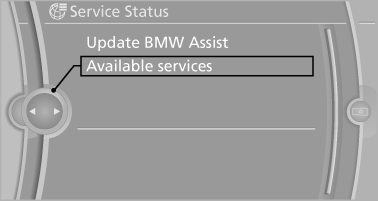
Displaying available services
Display of all services available in the vehicle.
1. "BMW Assist" or "ConnectedDrive"
2. "Service Status"
3. "Available services"
Updating BMW Assist
Manual update of all services available in the vehicle.
"Update BMW Assist"
See also:
Mobility
To ensure that you remain mobile at all times, this
chapter supplies you with important information
on the topics of fuels and lubricants, wheels and
tires, service, maintenance, and Roadside
Assi ...
Service and warranty
We recommend that you read this publication
thoroughly. Your vehicle is covered by the following
warranties:
▷ New Vehicle Limited Warranty.
▷ Rust Perforation Limited Warranty.
...
Overview, instrument cluster
1. Miles/trip miles
External temperature
Time
Date
Range
Selection list, e.g., radio
Navigation display
Computer
2. Transmission display
Current fuel consumption
Energy recovery
3. ...